
7 ways to use arcade games in employee onboarding
New joiners face a wall of names, rules, tools and acronyms in their first week. Here are seven practical ways to use short arcade games to make onboarding stick — with a template for each.
The Arcadedo team, Gametize
3 min read

Arcade games work in onboarding because the first week is mostly recall: names, rules, tools, acronyms and "how we do things here". A two-minute game turns that list into practice, gives new joiners something to talk about, and tells you what has not landed yet. Here are seven ways to use them, each with a template you can brand and embed today.
1. Company values and history: a fact maze
Values slides are forgettable. In Mini Maze, players explore a maze and every pickup reveals a short fact before they escape — no quiz, just discovery. Use it for your founding story, your values with a real example of each, or "ten things you didn't know about us".
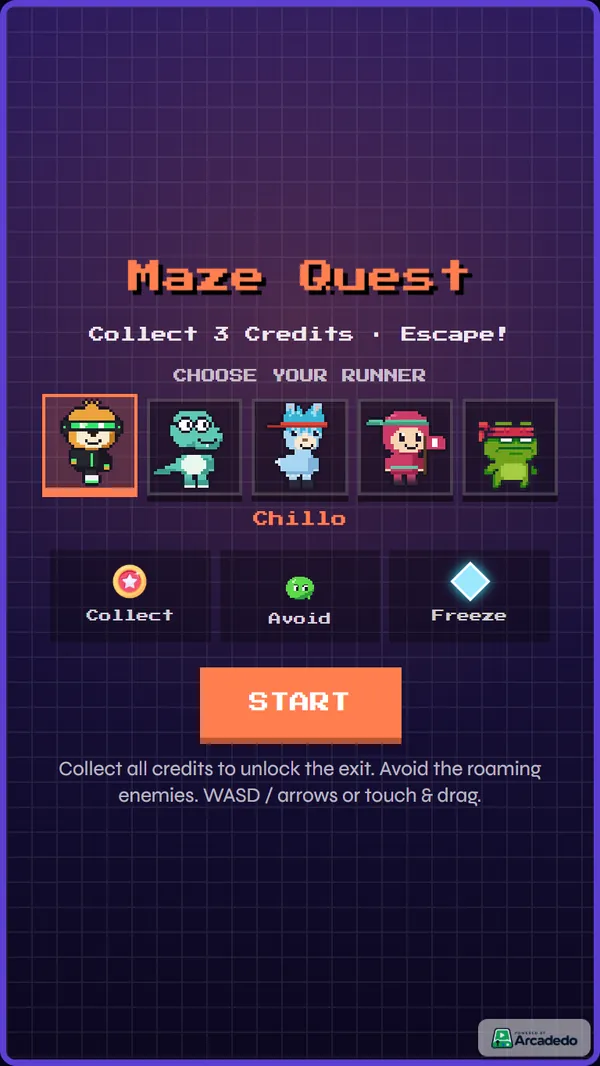
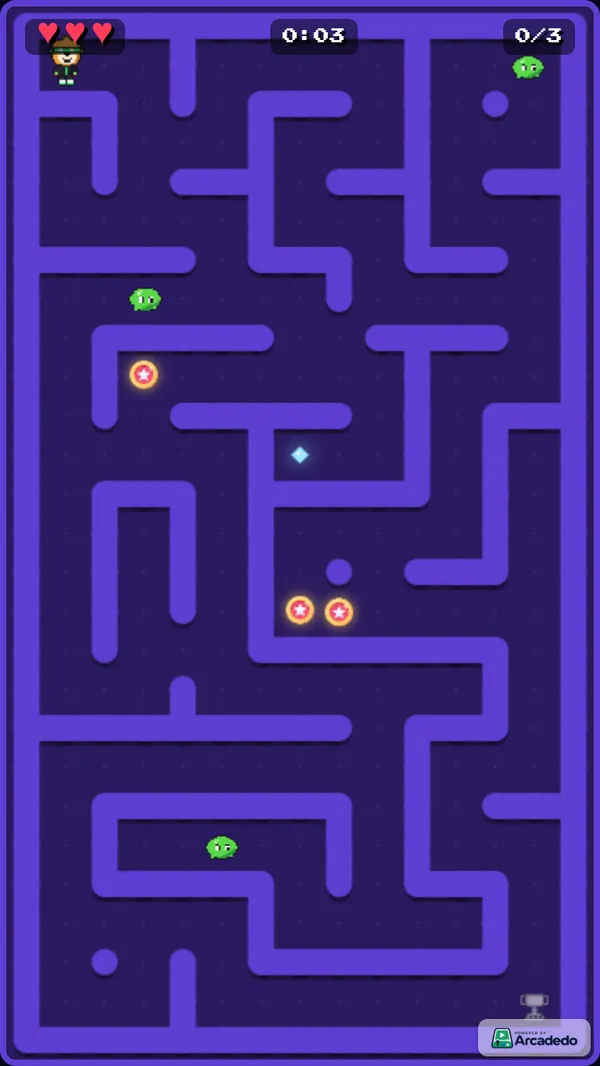
Tip: write each fact as one sentence with a concrete detail. "We started in a garage" is forgettable; "Our first customer was a hawker centre in Bedok" is not.
2. Security basics in week one: spot the scam
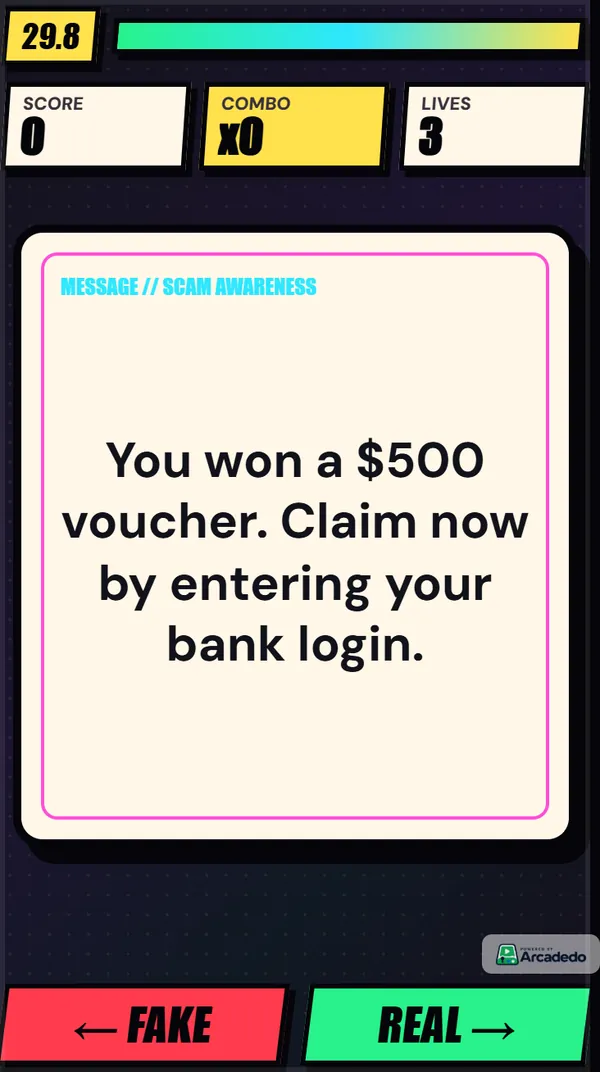
New joiners are a favourite phishing target because they do not yet know what normal looks like. Real or Fake shows a card — an email subject, a text message, a login page — and players swipe right for real or left for fake. Build the deck from real examples your security team has seen. Read more in our guide to cyber security awareness games.
3. Policies that must be known: a quiz race
For the handful of policies people genuinely need on recall — expense limits, leave rules, data handling — a quiz race like Turbo Quiz Racer is ideal. Each answer is followed by an explanation, so a wrong guess still teaches the rule.
4. Acronyms and jargon: a word search
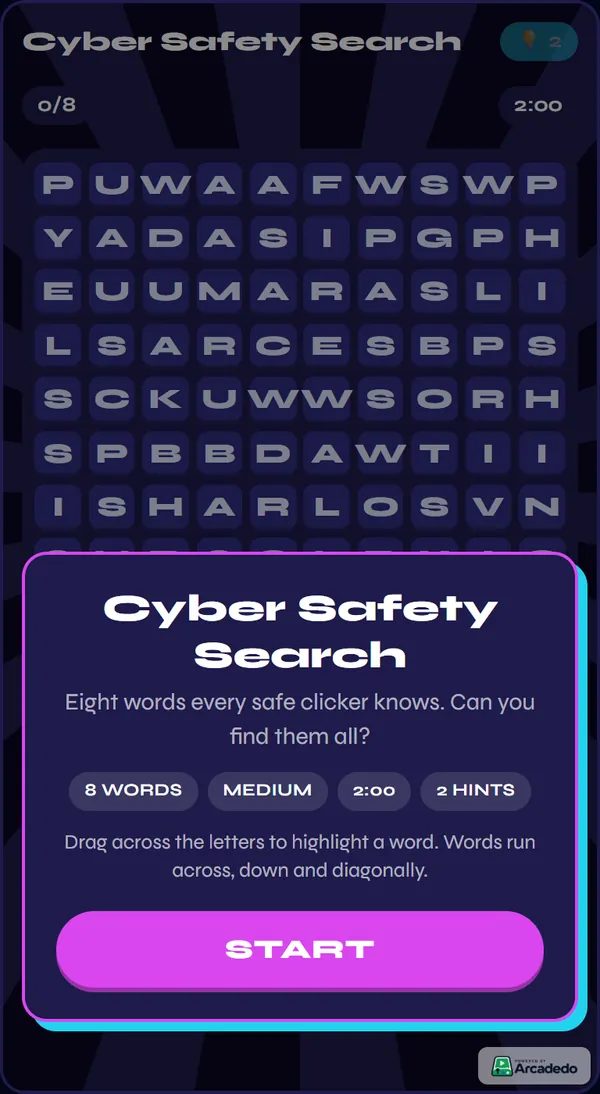
Every organisation has its own vocabulary. A Word Search with your ten most-used acronyms is a gentle way to make them familiar, and the analytics show which terms players miss most.
5. Product knowledge for customer-facing hires
Sales and support hires need product facts on recall, fast. Star Match puts questions on glowing tiles in a match-3 board, which makes drilling dozens of facts feel like play rather than revision.
6. Icebreakers and welcome sessions: spin the wheel
Not everything has to be assessed. Use Spin the Wheel as a name picker in a welcome session, to choose discussion topics, or to hand out welcome swag. Brand it in your colours and it becomes part of the day.
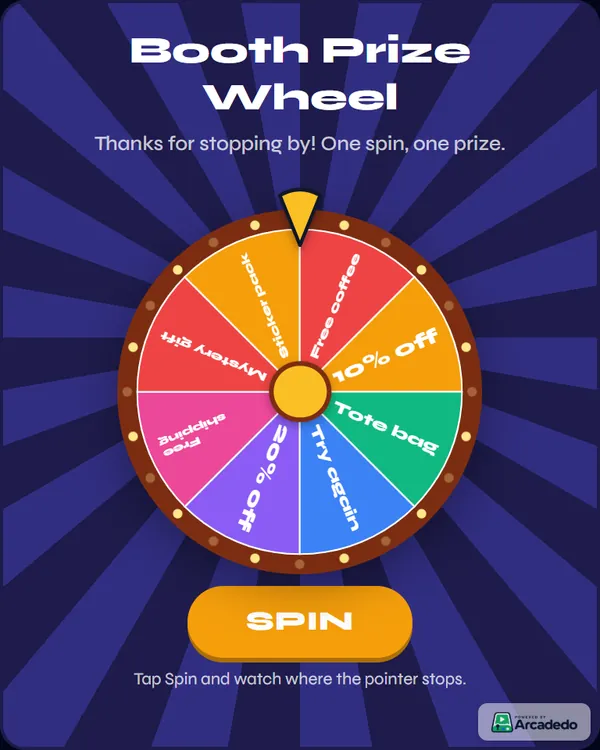
7. End-of-week check: a mixed challenge
Finish the first week with a short game that pulls questions from everything covered. Set a sensible pass mark and use the results to see which topics need a follow-up in week two.
How to fit games into an onboarding programme
- Embed them where onboarding already lives. If you run onboarding as a Gametize campaign, each game drops in as an embedded challenge. See Embed in Gametize.
- Space them out. One game a day beats five on day one. Revisit key topics a week or two later.
- Keep them short. Two to three minutes per game.
- Brand everything. A game in your colours, with your logo, feels like part of the company rather than a distraction.
- Read the results. The questions new joiners miss most are usually where the training material is unclear.
New to this? Start with what gamified learning is and when it works.
Frequently asked questions
How many games should an onboarding programme include?
Three to five across the first two weeks is plenty. Each should cover one topic and take a few minutes.
Can we reuse the same game for every intake?
Yes. A published game keeps the same link, so you can embed it in each new cohort's programme and update the content whenever policies change.
What does it cost?
Building and hosting games in Arcadedo is free. Credits are only used for optional AI help and for removing the small "Powered by Arcadedo" badge — see how credits work.