
Cyber security awareness games: training people to spot a scam
Spotting a phishing email is a split-second judgement, so train it like one. How to build a fast, branded scam-spotting game from your own real examples — and what makes the examples work.
The Arcadedo team, Gametize
3 min read

The best cyber security awareness games train the same skill a real attack tests: a fast judgement about whether something is genuine. Phishing does not arrive as a multiple-choice question; it arrives as an email you have three seconds to assess. A swipe-to-judge game built from realistic examples gives people dozens of those decisions in a couple of minutes, with feedback on every one.
Why annual security training does not stick
Most awareness training is a yearly video followed by a quiz about definitions. People pass it and still click the link, because recognising "what is phishing" is a different skill from recognising this email as phishing. What builds the second skill is exposure to lots of examples, with immediate feedback, repeated over time.
How a scam-spotting game works
In Real or Fake, players see a card and swipe right for real or left for fake — a fast judgement drill built from your own examples. Each card can carry an explanation, so a wrong swipe shows exactly which detail gave the scam away.
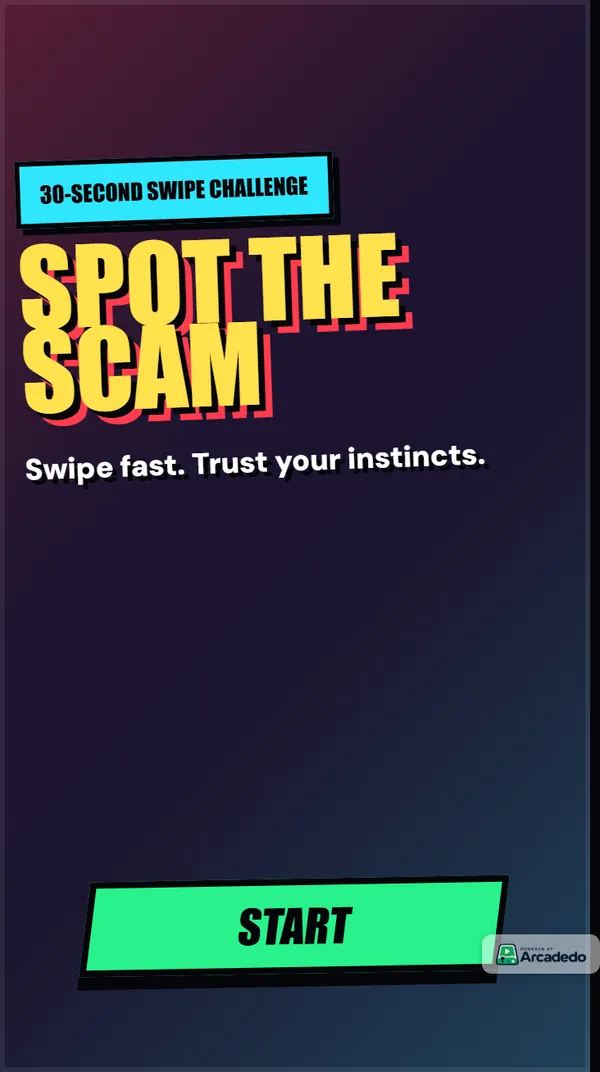
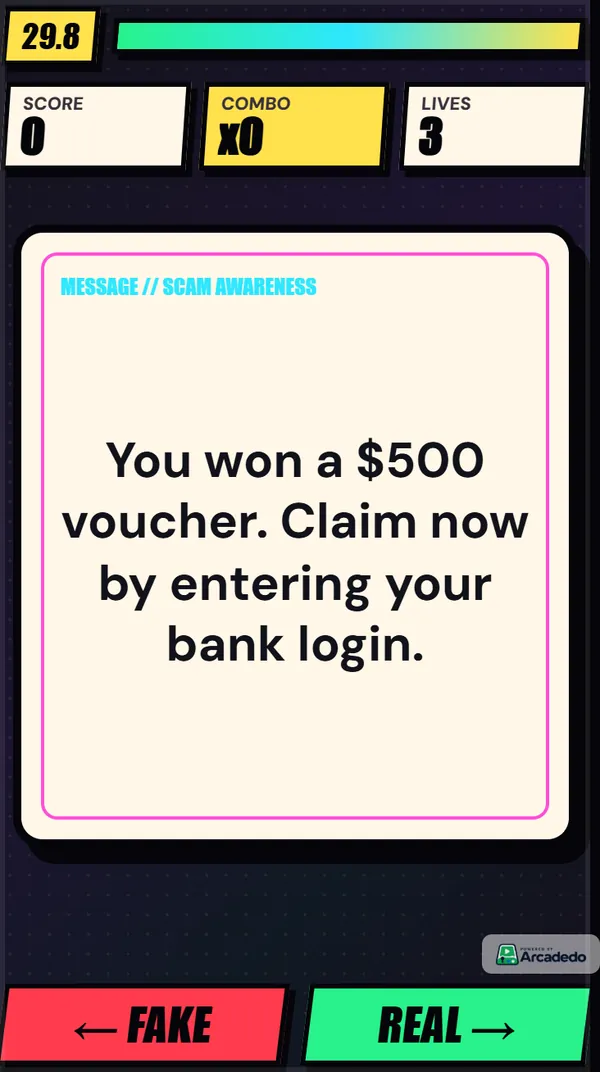
That structure maps directly onto the real skill:
- Speed — like a busy inbox.
- Realistic stimuli — your examples, not textbook ones.
- Immediate feedback — the clue is shown right after the decision.
- Repetition — runs are short enough to replay.
Writing examples that teach
The game is only as good as the deck. A few rules:
Use real lures, lightly edited
Your security team has a folder of reported phishing. Those are the best examples you will ever get: they are what attackers actually send your people. Remove anything sensitive and keep the tell-tale details.
Include genuine messages that look suspicious
If every card is fake, players learn to swipe left on everything. Mix in legitimate messages — the real IT password reminder, the real payroll notice — so people practise discrimination, not paranoia.
Make the explanation point at the clue
"Fake: the sender domain is micros0ft-support.com" teaches more than "Fake: this is phishing".
Cover more than email
Text messages, delivery notices, QR codes on posters, fake login pages, urgent requests from "the CEO" on a messaging app. Variety builds a general instinct rather than one narrow pattern.
Beyond the swipe
Mix formats to cover more of the curriculum:
- A Turbo Quiz Racer on policy: who to report to, how fast, what not to do.
- A Word Search for vocabulary: phishing, smishing, vishing, MFA, ransomware.
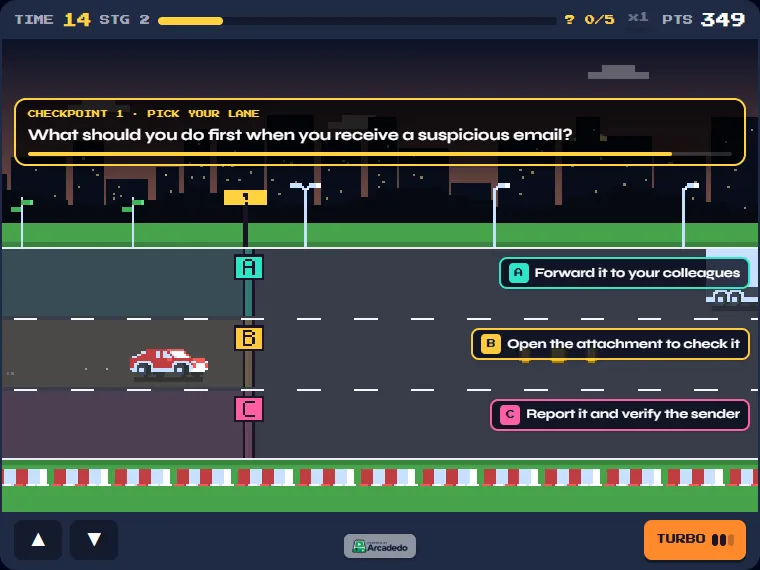
- A Checkpoint Rush where each lane is an answer, for a faster-paced refresher.
Rolling it out
- Build the deck with your security team — 15 to 25 cards is plenty.
- Brand the game so it is clearly an official exercise, not itself a suspicious link. See Brand your game.
- Embed it in a Gametize campaign alongside your awareness programme, or share the link directly.
- Refresh a third of the deck every quarter with new lures.
- Use the analytics to see which examples fool the most people, and brief on those.
For the wider picture, read what gamified learning is and when it works.
Frequently asked questions
Is a game a substitute for phishing simulations?
No — they do different jobs. Simulations test behaviour in a real inbox; a game builds the recognition skill with feedback on every example. They work well together.
How often should people play?
A short round when the campaign launches, then again a few weeks later with refreshed examples. Spaced repetition beats a single long session.
Can I use screenshots of real emails?
Yes, as long as you remove personal data and anything sensitive. Real examples are far more effective than invented ones.