
Publish & share
Embed in Gametize
Paste your game's link into a Gametize campaign.
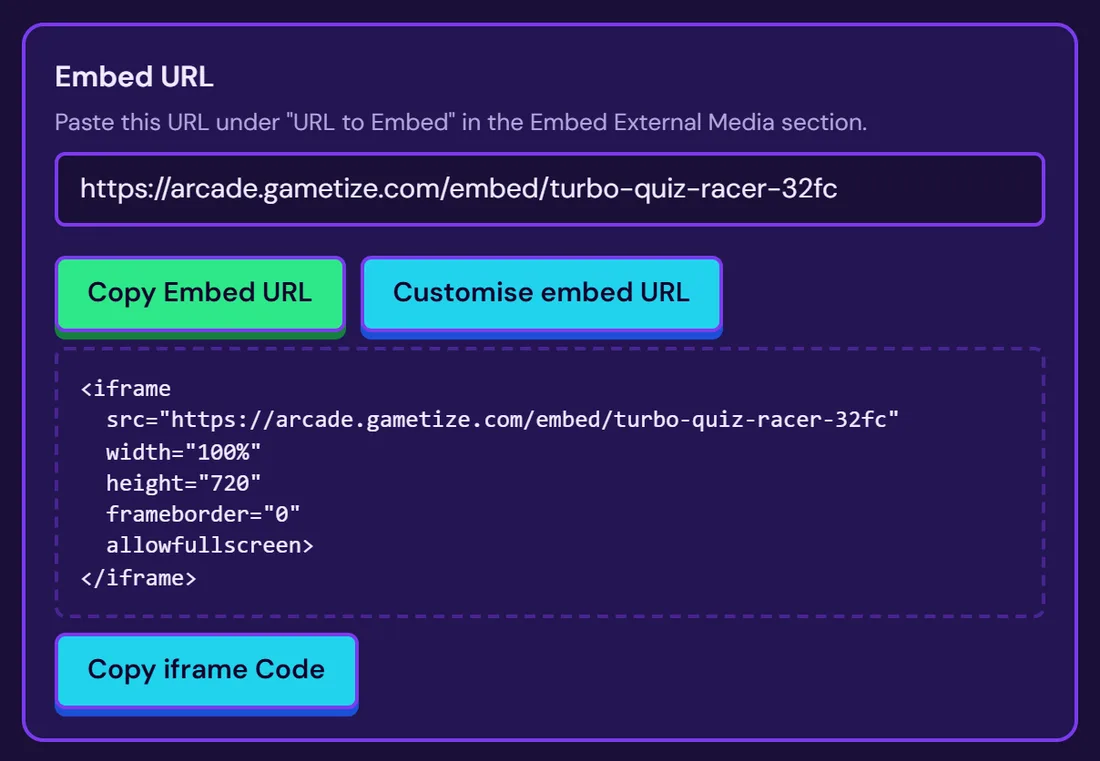
Copy the embed URL
Find it on the Go step once the game is published.
Open your Gametize campaign
Go to the section Embed External Media.
Paste the link
Put it under URL to Embed.
Preview, then publish
Check it plays, then save and publish the campaign.
Still stuck? Contact the Gametize team.