
Getting started
Create your first game
Choose a template, try it, and open it in the editor.
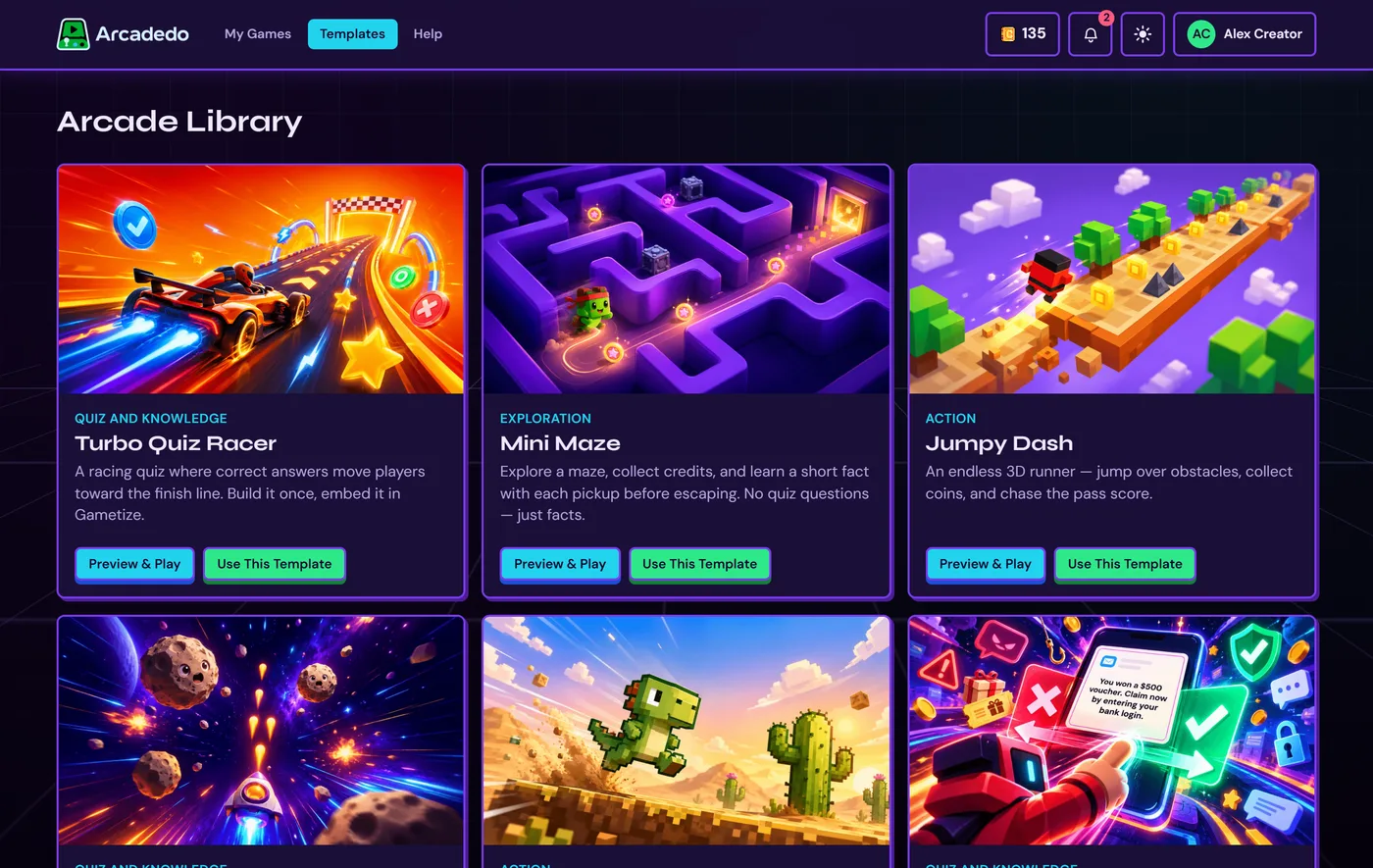
Open Templates
Each card is a finished game. Its label tells you the style: quiz, exploration or action.
Play the sample
Click Preview & Play to try the template before you commit.
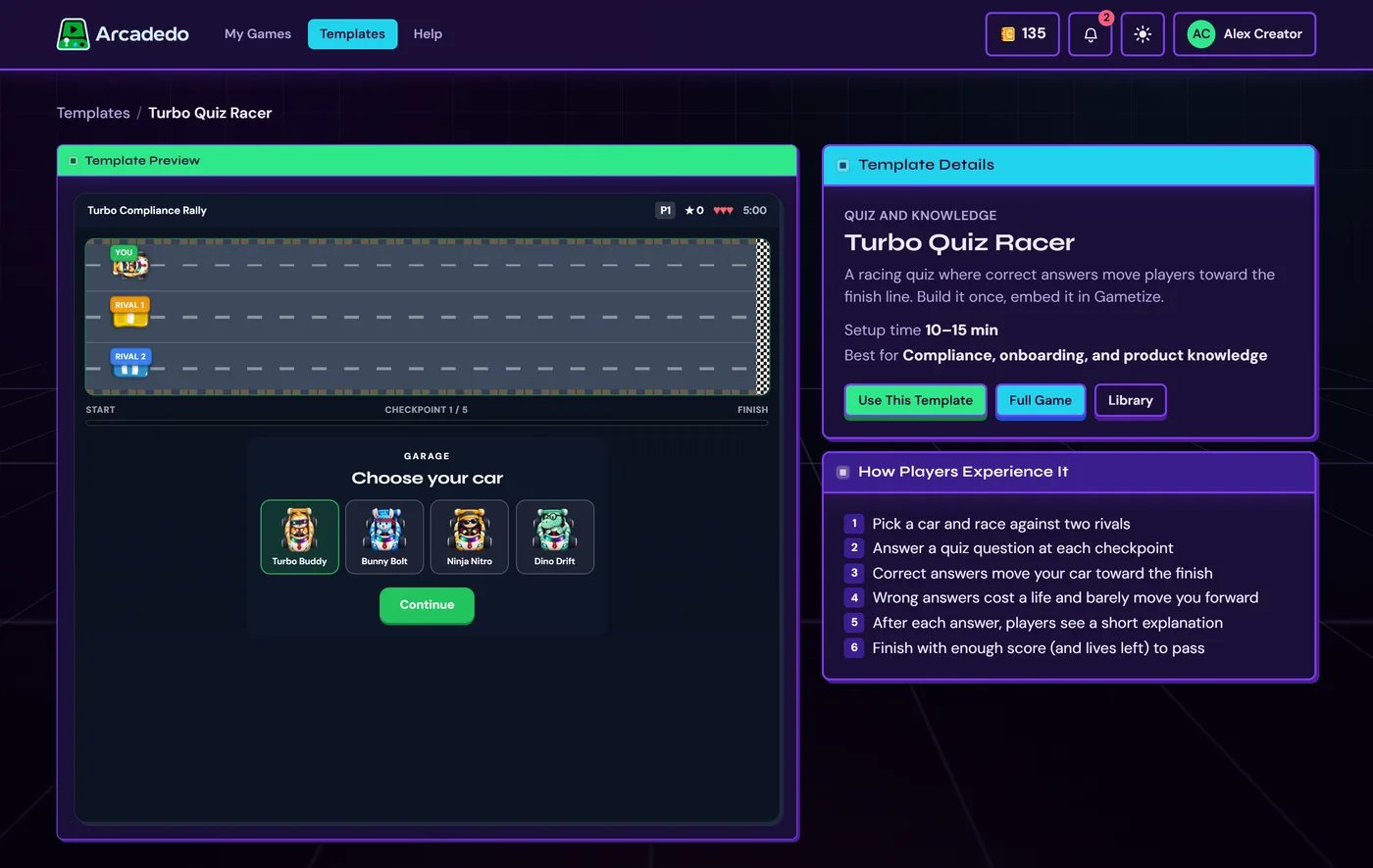
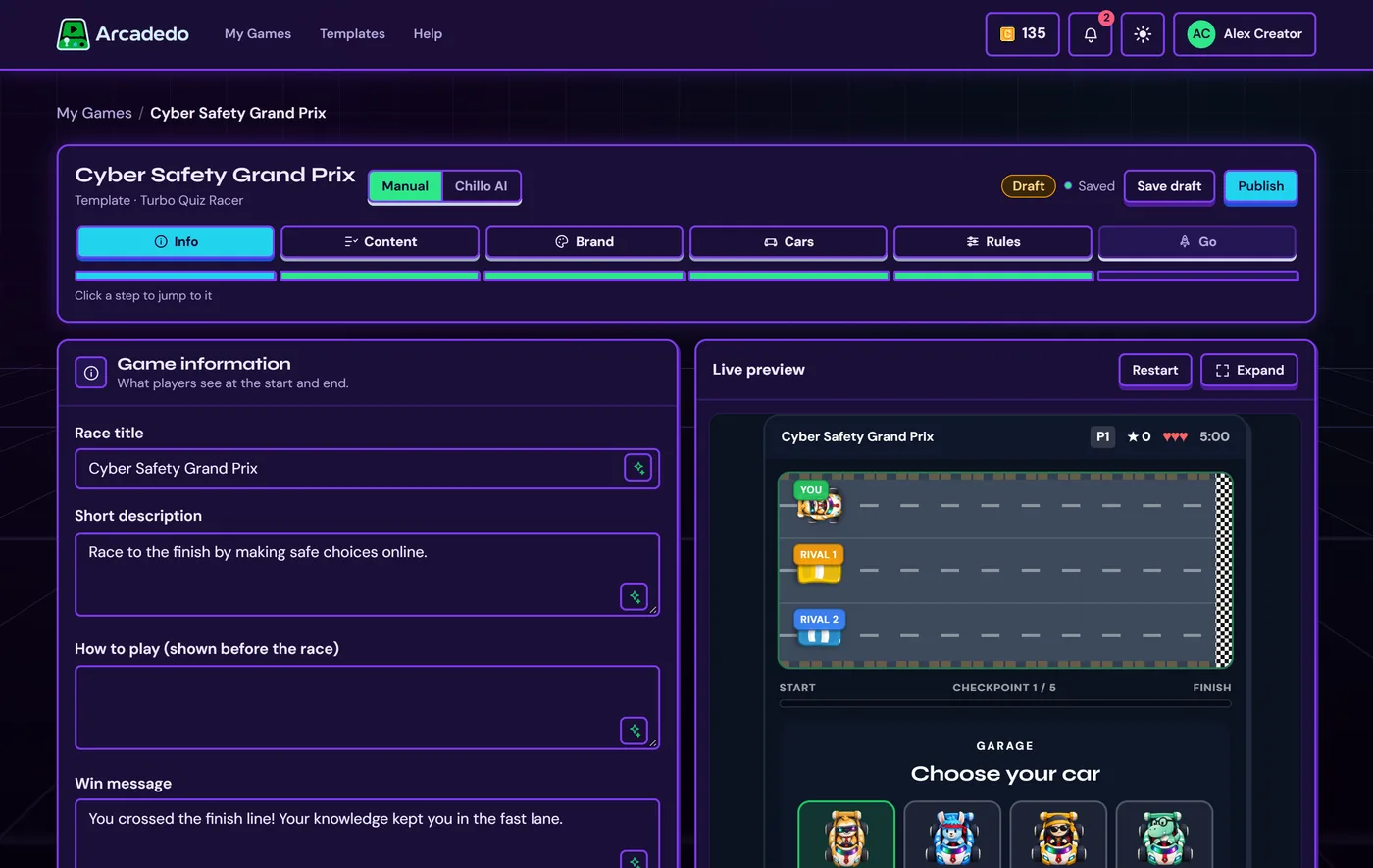
Click Use This Template
Your own copy opens in the editor, ready to change.
Still stuck? Contact the Gametize team.