
Build your game
Brand your game
Add your logo and colours so the game looks like yours.
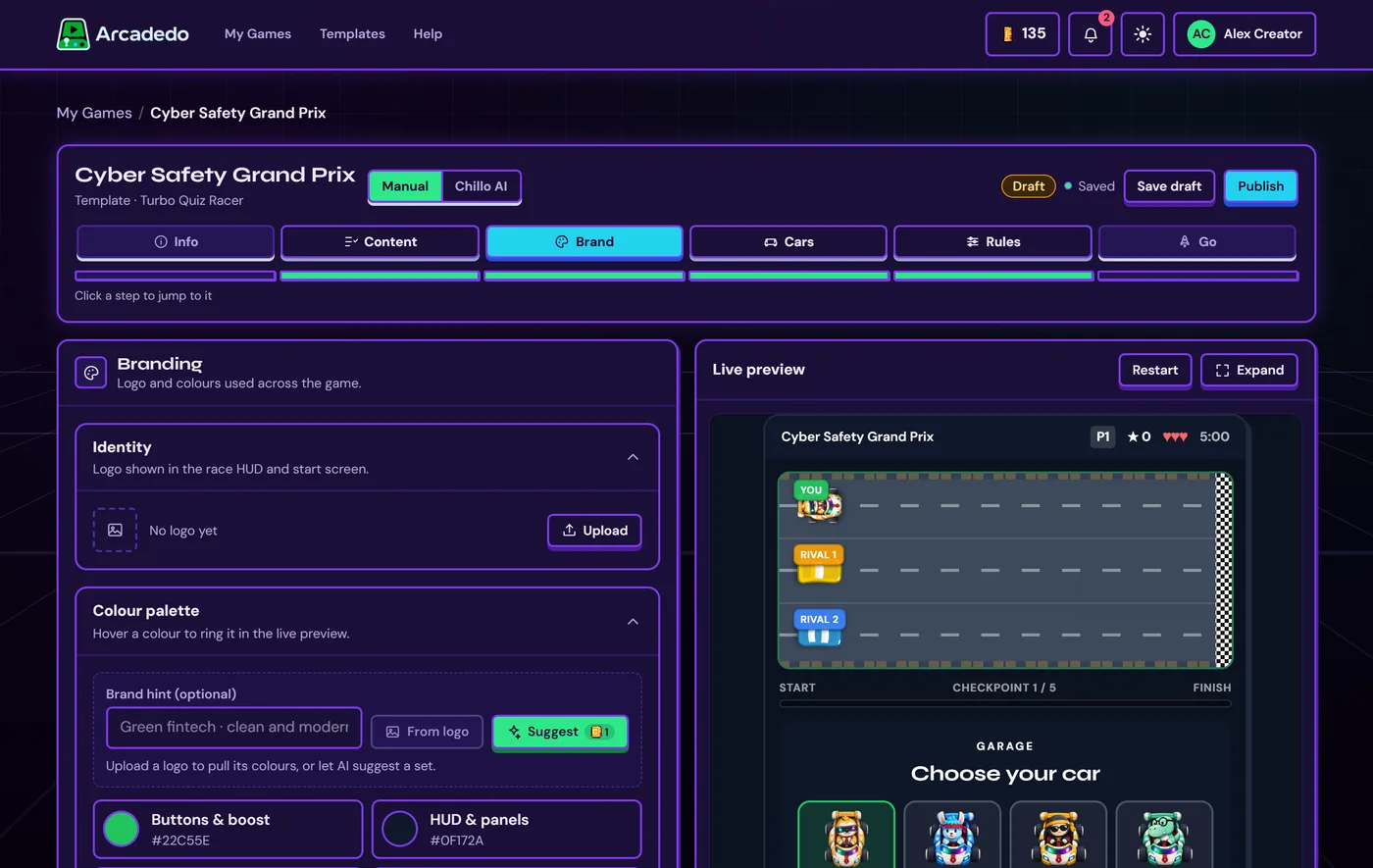
Upload your logo
It appears in the game's header and start screen.
Set your colours
Click From logo to pull colours from it, or Suggest to let AI propose a palette (1 credit). You can also pick each colour yourself.
Check the preview
Hover a colour to see exactly where it is used.
Still stuck? Contact the Gametize team.