
Credits
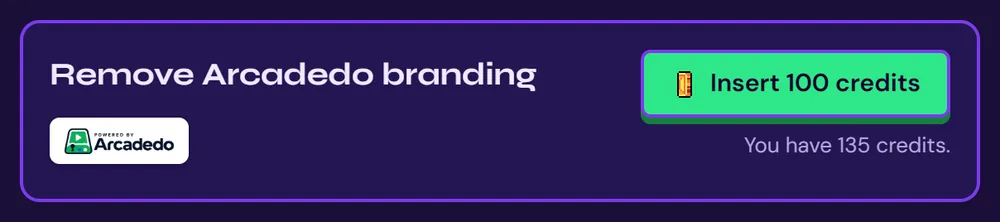
Remove the Arcadedo badge
Take the small "Powered by Arcadedo" badge off a game.
Games show a small badge in the corner. You can remove it from any game, once, for good.
Open the game's Go step
The card sits at the top.
Click Insert credits
Confirm, and the badge is gone from that game straight away.
Still stuck? Contact the Gametize team.