
Build your game
Build a Word Search
Add your words, pick a look, and set how hard it is.
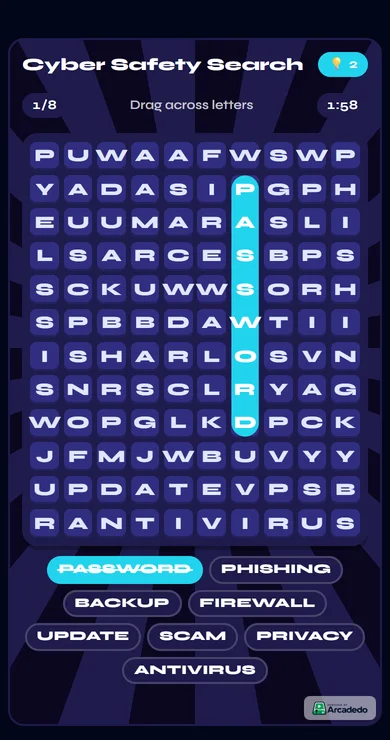
Players drag across the letters to find your hidden words. It is built for phones first: the grid always fits the screen, and a sloppy swipe still snaps to a straight line.
Add your words
In Words, type a word and click Add, paste a list, or use Words with AI (1 credit). Use 3–12 words of 3–10 letters. Spaces and symbols are removed for you.
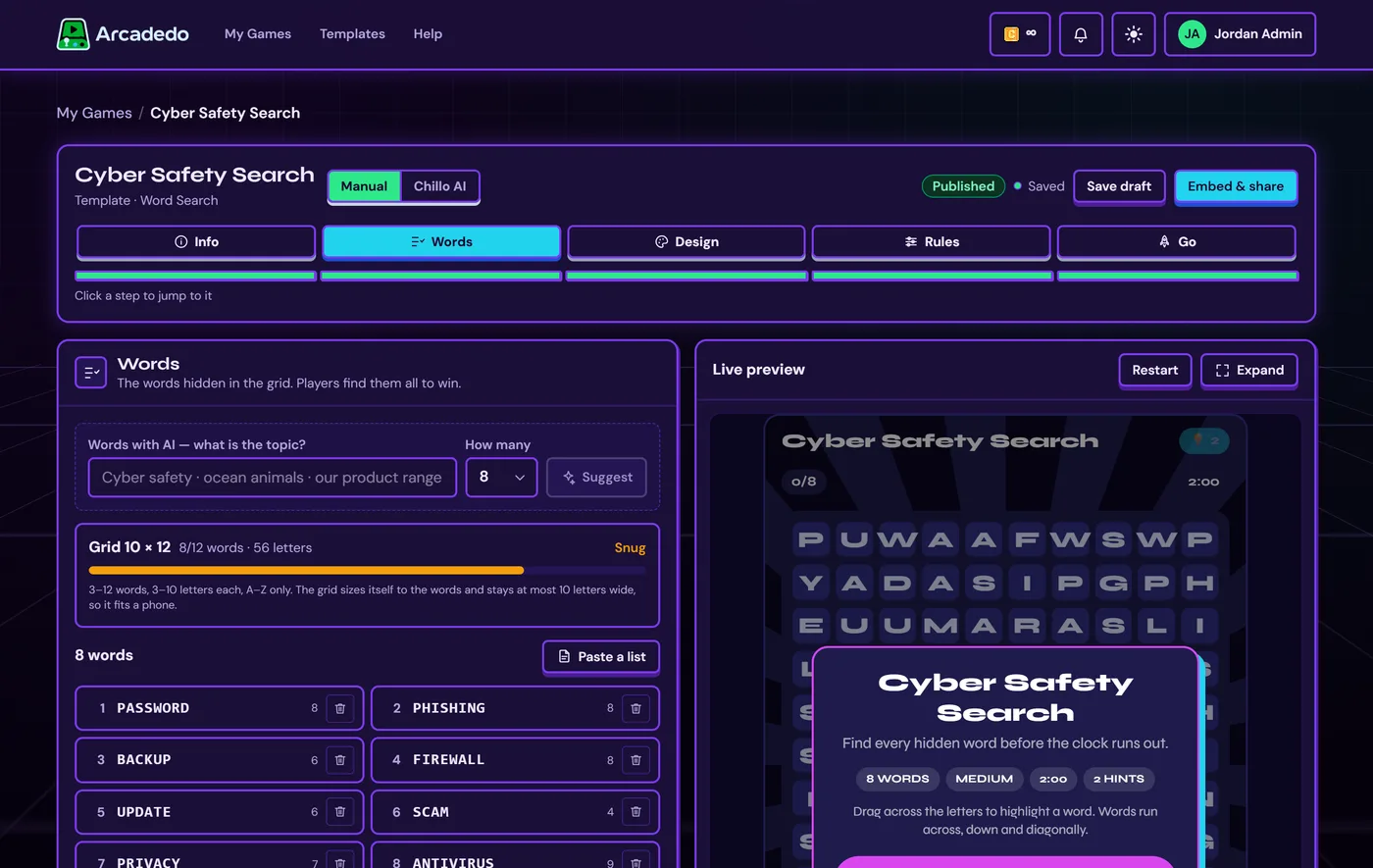
Keep an eye on the grid meter
The grid sizes itself to your words. Roomy or Snug is fine; Too full means too many letters — remove a word or use shorter ones before you can publish.
Design the board
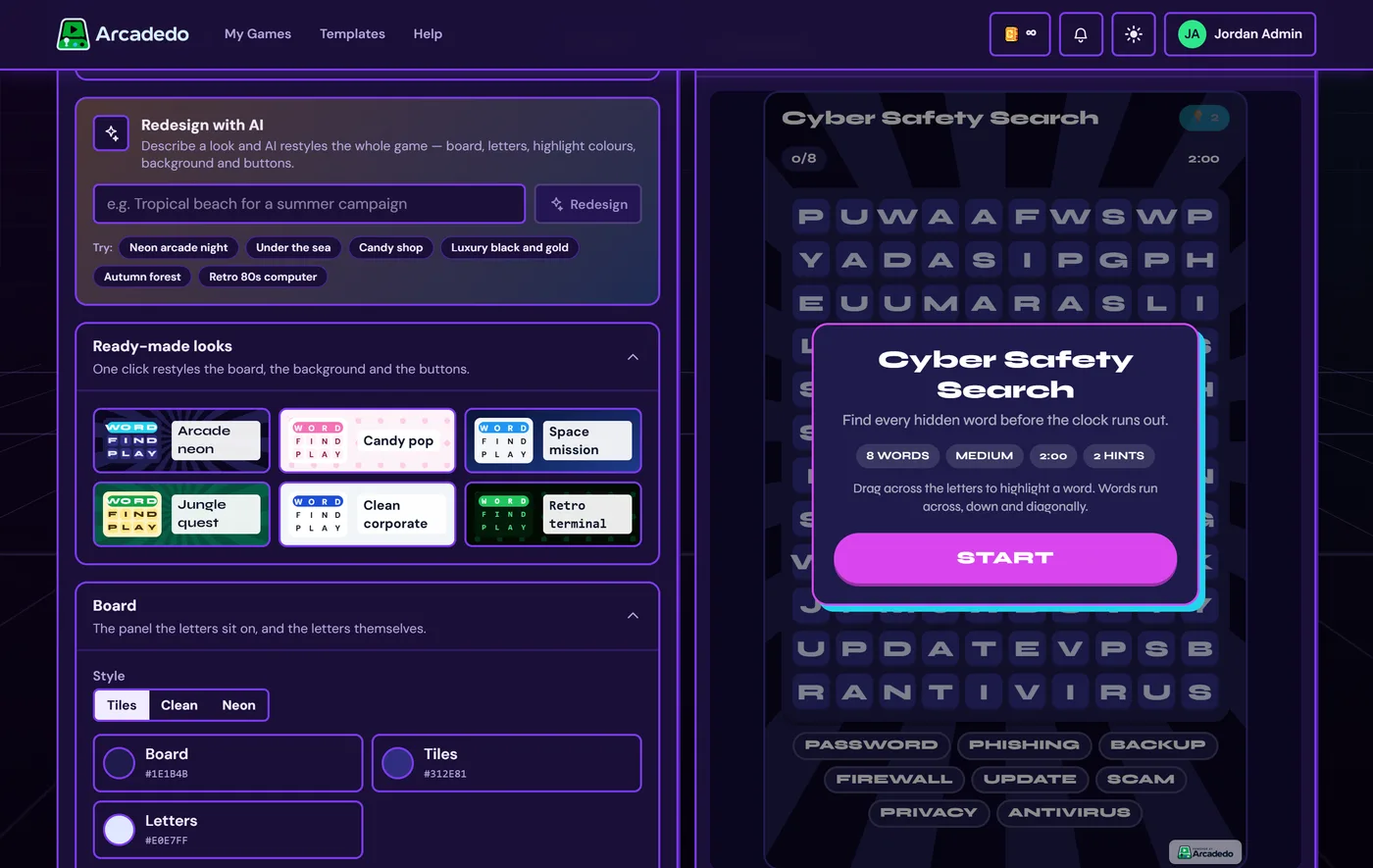
In Design, pick a ready-made look or describe one under Redesign with AI (1 credit). Then fine-tune the board style, letters, highlight colours and background.
Set the rules
In Rules, choose Easy (across and down), Medium (adds diagonals) or Hard (adds backwards), then the timer, points per word and hints.
Still stuck? Contact the Gametize team.