Gamification in employee training: a practical guide with examples
Gamification in employee training adds goals, instant feedback, scores and replays to learning so people practise instead of skim. What it is, what the research says, six examples with real game screens, and how to start in 30 minutes.
The Arcadedo team, Gametize
9 min read
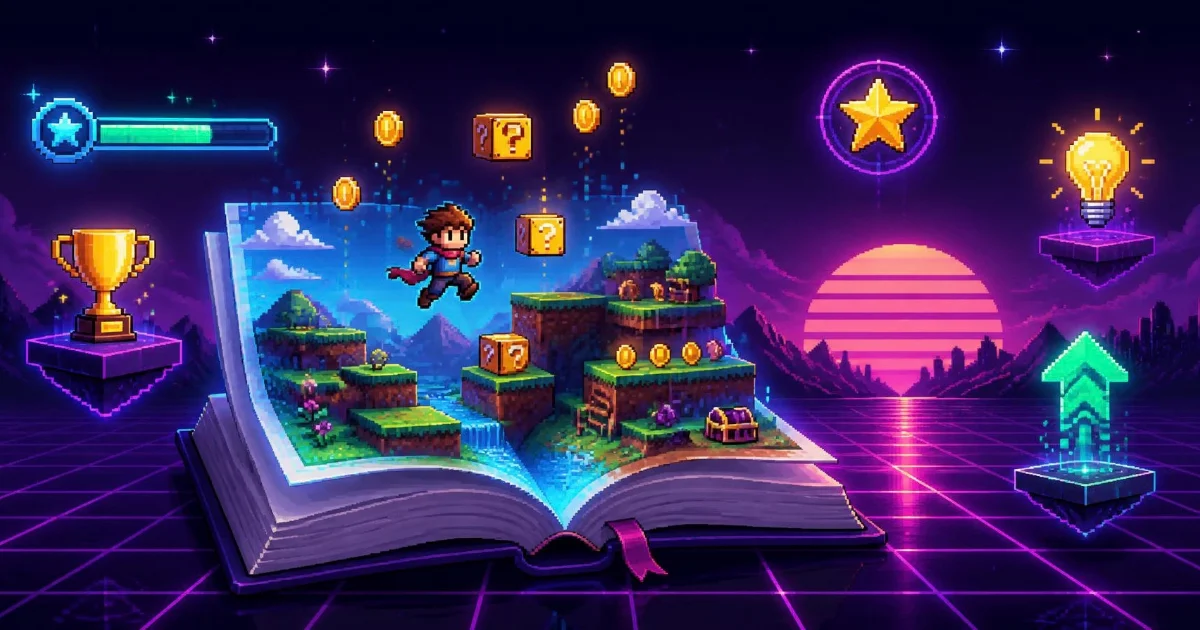
Gamification in employee training means adding game mechanics — goals, instant feedback, scores, replays — to learning so people practise instead of skim. It works best for recall and quick judgement: compliance rules, security awareness, product facts, onboarding. Start small: one short game, five to ten questions, embedded where training already happens.
Most guides to this topic describe points, badges and leaderboards and stop there. This one shows what gamified training actually looks like on screen, what the research does and does not support, a 30-minute way to try it, and the situations where it is the wrong tool.
What does gamification in employee training actually mean?
It means giving a training activity the shape of a game: a clear goal, simple rules, a score, feedback after every move and a reason to try again. The content stays the same — the policy, the product facts, the security rules — but the learner has to use it, under light pressure, instead of reading it once and clicking "I understand".
Gamification vs game-based learning
Strictly, gamification adds game elements (points, levels, badges) to something that is not a game, while game-based learning puts the content inside an actual game. Workplace teams use both words for both things, and the best programmes combine them: a campaign that rewards people for taking part, with short games inside it doing the practice. Our guide to gamified learning covers the distinction in more depth.
The four mechanics that matter
Strip away the decoration and four mechanics do most of the work:
- Feedback — the learner knows straight away whether they were right, and ideally why.
- Replay — a run is short enough that trying again feels natural. Every replay is another round of recall practice.
- Stakes — a life lost, a timer, a pass mark. Enough pressure to make people care, not enough to make them anxious.
- Progress — a visible goal, such as a finish line, a maze exit or a score to beat.
Points and badges without these four are just a scoreboard bolted onto the same old module.
Does gamification improve employee training?
On average, yes — by a modest amount, and only when the design is good. A meta-analysis of controlled studies found small but significant positive effects on knowledge, motivation and behaviour. A 2025 review of workplace research reached the same conclusion, adding that the results depend heavily on design quality and fit.
The two sources worth reading:
- Sailer and Homner (2020), The gamification of learning: a meta-analysis, in Educational Psychology Review. It pooled experimental studies and found significant small effects on cognitive, motivational and behavioural learning outcomes. Most of the studies came from education rather than the workplace, so treat it as evidence about learning in general.
- Udeh, Tobail, Crowe and Rashwan (2025), Exploring the impact of gamification on employee training and development, in the Journal of Workplace Learning. A systematic review of 49 workplace studies. It reports gains in engagement, motivation, retention and performance, and is explicit that effectiveness depends on design quality, contextual fit, learner characteristics and organisational culture.
The honest summary: gamification is not a multiplier you apply to bad training. It makes good practice — retrieval, feedback, spacing — easier to get people to do. You will also see eye-catching percentages repeated across vendor blogs; if you cannot trace a figure to the study behind it, do not put it in your business case.
What are examples of gamification in employee training?
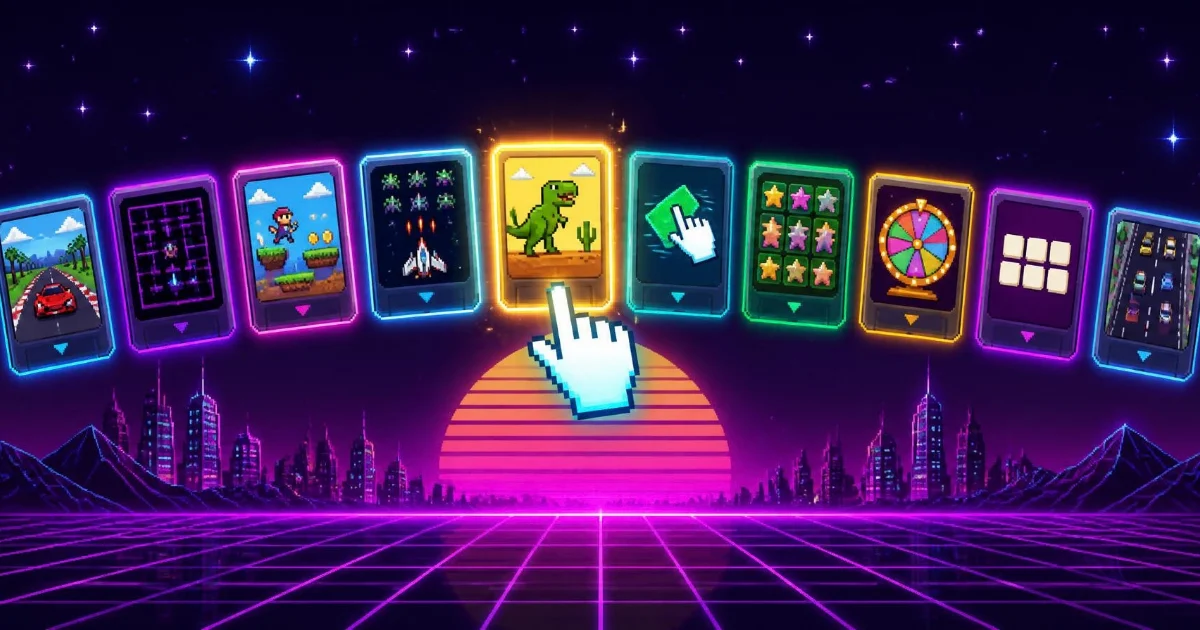
The clearest examples are short games built from real training content: a quiz race on compliance rules, a swipe-to-judge deck of phishing emails, a maze of onboarding facts, a match-3 board of product questions. Each takes two or three minutes and gives feedback on every answer. Here are six, one per common use case, with real screens.
| Use case | Format | Why it fits |
|---|---|---|
| Compliance refreshers | Turbo Quiz Racer | Same rules every year; practice beats re-reading |
| Security awareness | Real or Fake | Spotting a scam is a split-second judgement |
| Onboarding | Mini Maze | Lots of short facts, no test anxiety |
| Product knowledge | Star Match | Drills many short facts as play |
| Key terms | Word Search | Builds recognition of vocabulary |
| Fast refreshers | Checkpoint Rush | Quick decisions at speed |
Every template page has a playable sample, so you can try each example before building anything.
1. Compliance refreshers: a quiz race
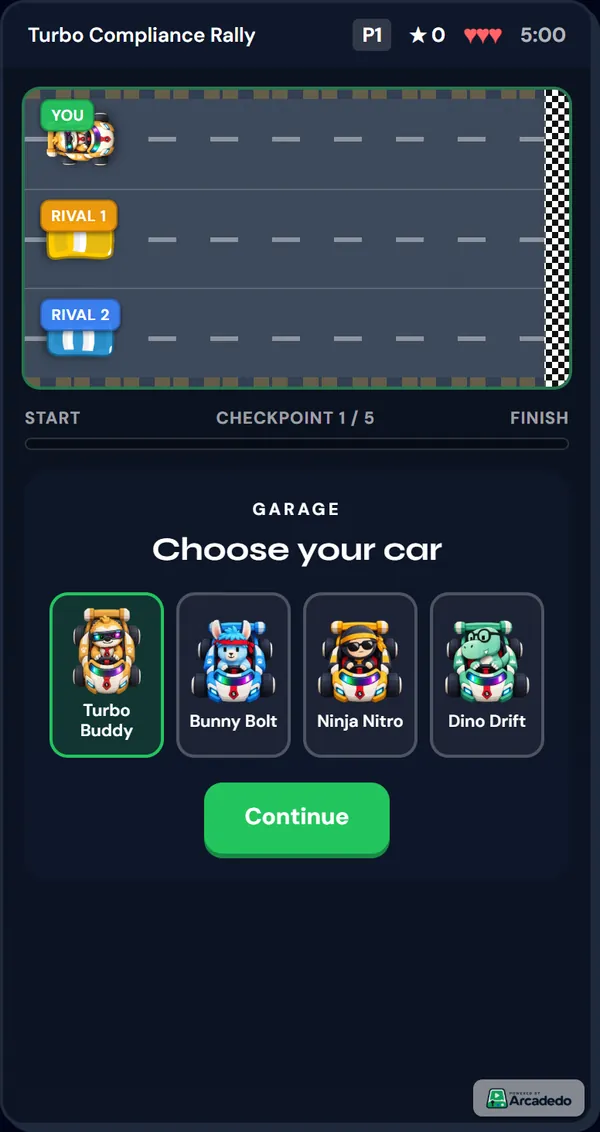
Annual compliance is the classic case for gamification: the facts rarely change, everyone has seen the module before, and completion is high while recall is low. In Turbo Quiz Racer, players answer a question at each checkpoint to move their car toward the finish. A wrong answer costs a life, and a one-line explanation follows every answer, so a miss still teaches the rule.
2. Security awareness: spot the scam
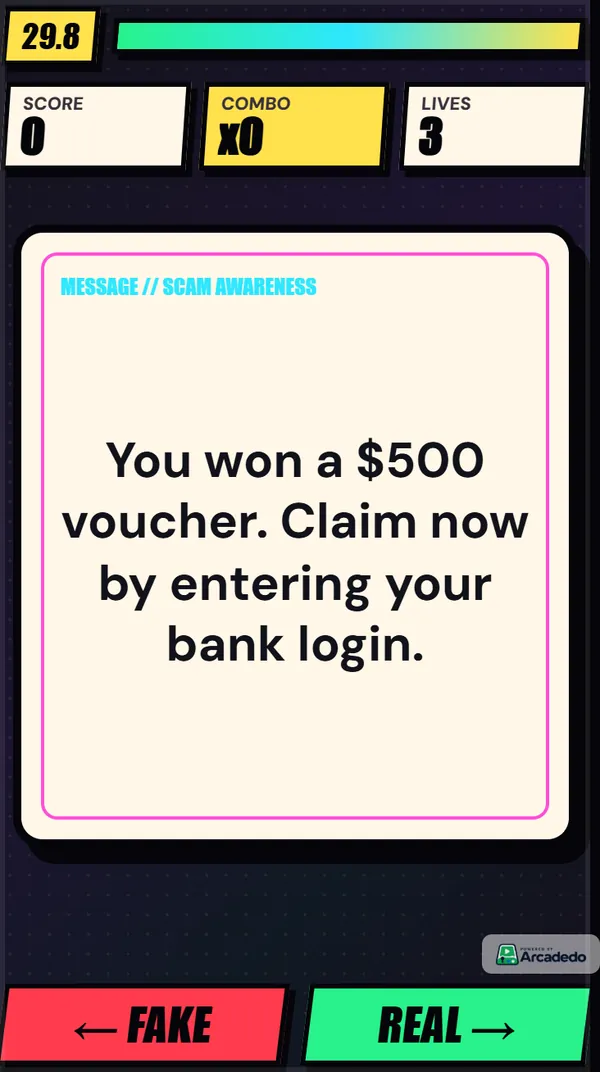
Phishing is a fast judgement, so train it as one. Real or Fake shows a card — an email, a text message, a login page — and players swipe right for real or left for fake, with an explanation pointing at the clue. Our guide to security awareness games covers how to build the deck from lures your team has actually received.
3. Onboarding: a fact maze
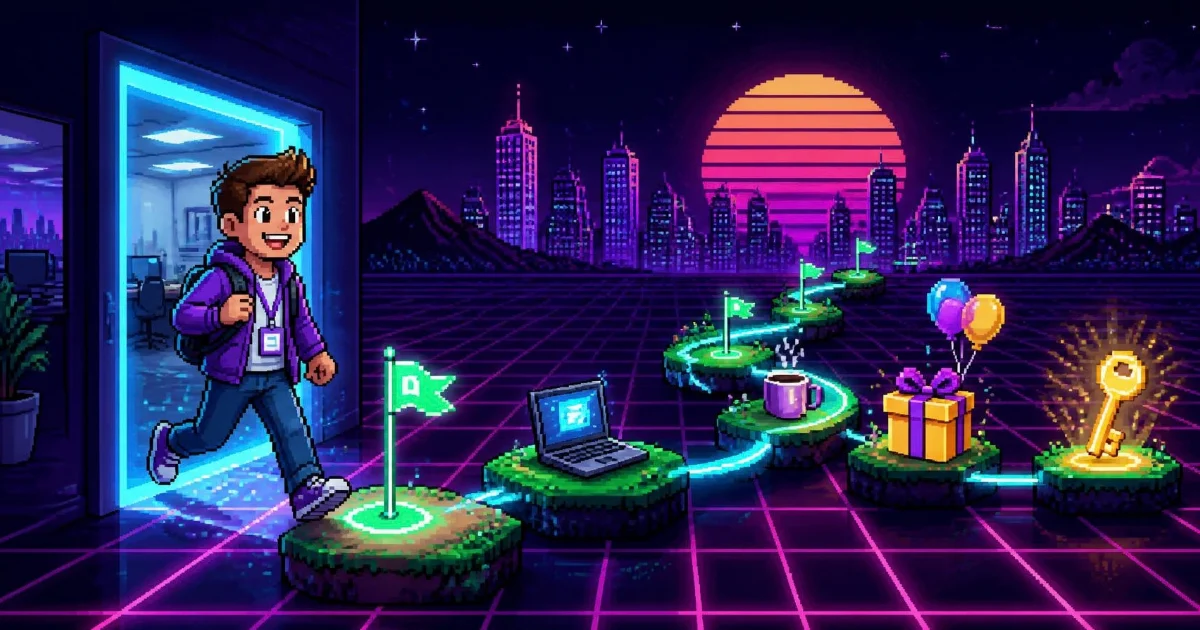
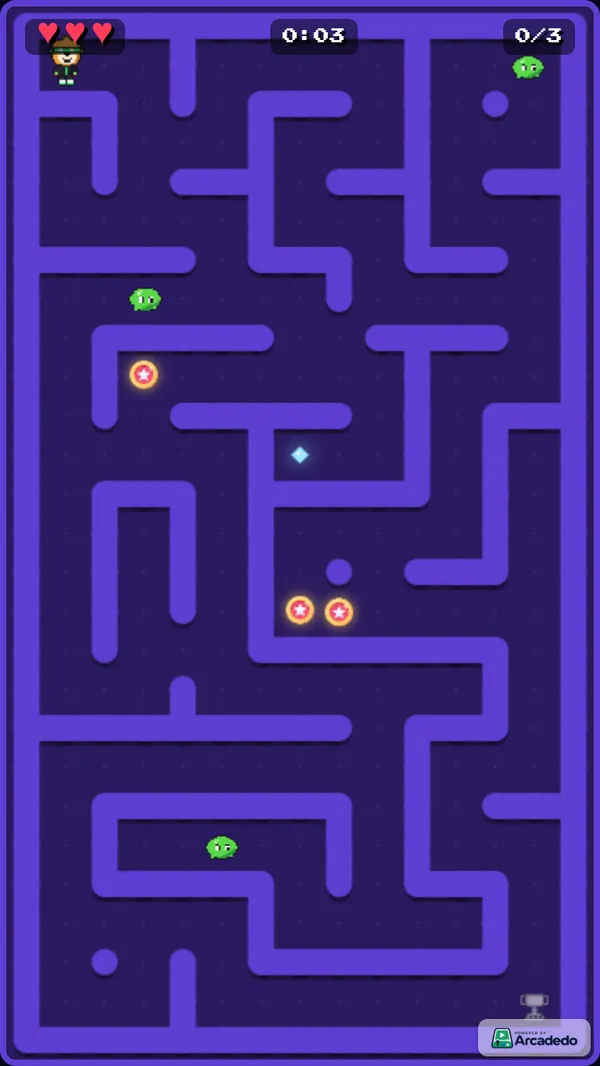
New joiners face a wall of names, rules and acronyms. In Mini Maze, every pickup reveals one short fact on the way to the exit — discovery rather than a test, which suits the first few days. More gamified onboarding ideas cover the rest of the first week.
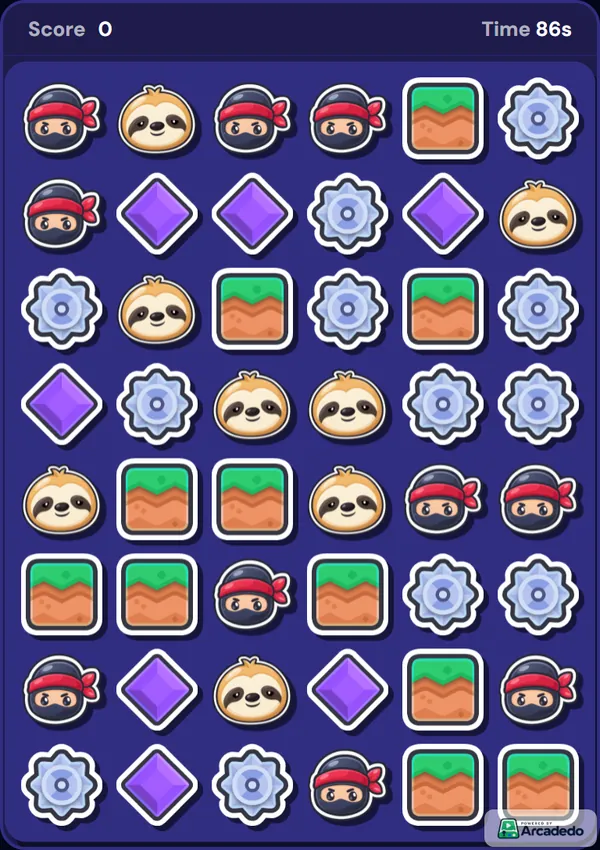
4. Product knowledge: a match-3 board
Sales and support teams need dozens of product facts on instant recall. Star Match puts questions on glowing star tiles: line up four to light one, then match it to answer. Drilling a long list of facts feels like a puzzle rather than revision.
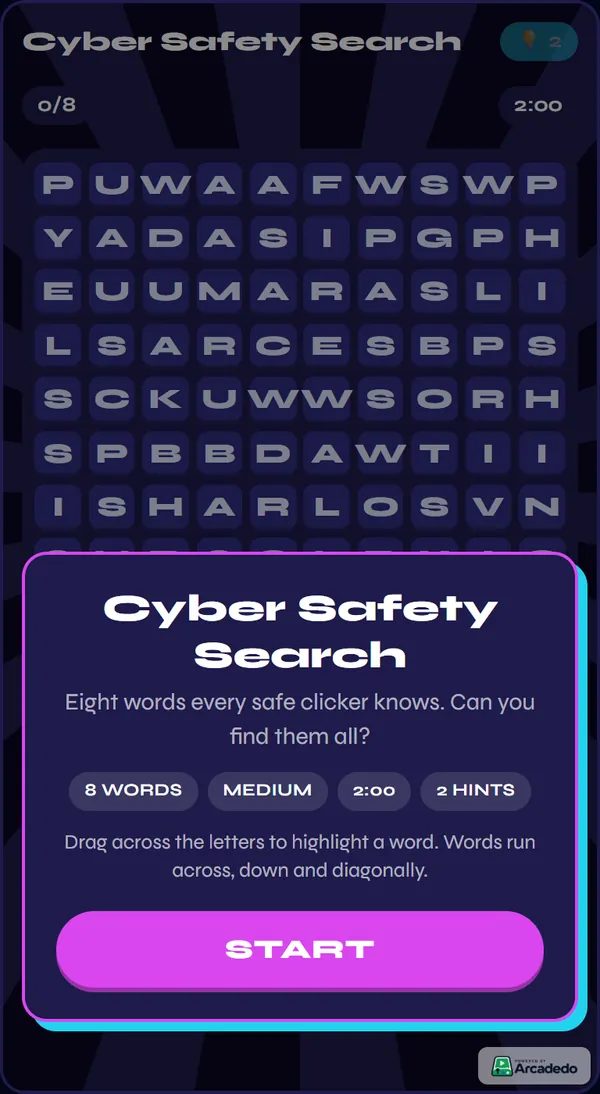
5. Key terms: a word search
Recognition comes before recall. A Word Search built from your ten most-used terms or acronyms makes them familiar, and analytics list the hardest words — the ones players miss most.
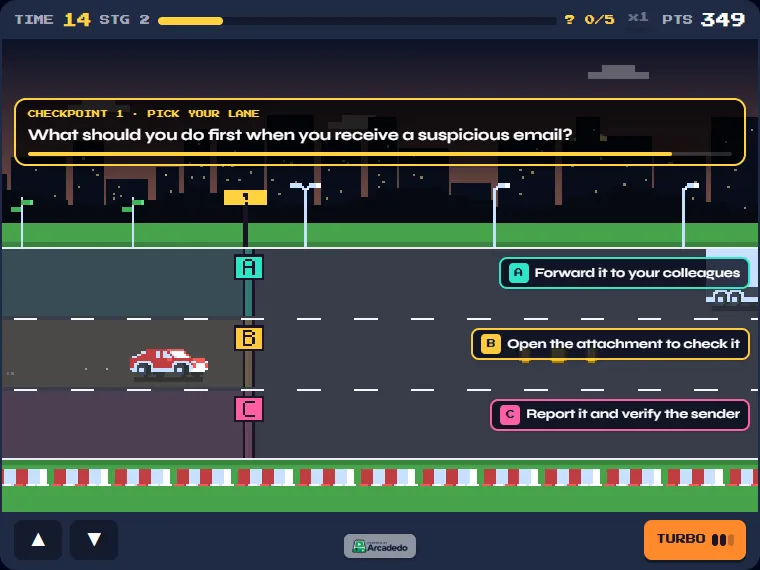
6. Fast refreshers: drive into the right answer
Checkpoint Rush is a pixel highway racer. With quiz checkpoints on, each lane is an answer and players drive into the right one, then see the explanation straight away. It suits quick refreshers a few weeks after the main training.
Not sure which format suits your content? Our guide to choosing a game template compares them all.
How do you gamify a training session in 30 minutes?
Pick one outcome, choose a game format that matches it, write five to ten questions with a one-line explanation each, add your branding, and embed the game where learners already are. With a template-based tool like Arcadedo there is no code and no designer involved, so a first version fits in half an hour.
- Pick one outcome (2 minutes). "Staff can name the three steps for reporting a data breach" beats "improve compliance culture".
- Pick a format (3 minutes). Recall of rules suits a quiz race; judgement suits Real or Fake; vocabulary suits Word Search. Open the templates, click Preview & Play, then Use This Template.
- Write five to ten questions (10 minutes). Make the wrong answers the mistakes people really make. Short of time? Upload the policy and generate questions from a document — PDF, Word (.docx) or text, up to 5 MB — then review every one.
- Add explanations (5 minutes). One sentence on why the right answer is right. This is the highest-value step.
- Brand it (5 minutes). Logo and colours, so it looks like part of your programme. See Brand your game.
- Publish and embed (5 minutes). Publish, copy the embed link, and drop it into your Gametize campaign or share it directly. See Embed in Gametize.
Building and hosting the game is free; AI question generation costs 5 credits per batch. For a fuller walkthrough of the same steps, read how to turn a quiz into a game.
When does gamification not work?
Gamification fails when the game is doing a job games are bad at: teaching deep concepts, recording formal assessment, or motivating people through public competition they did not sign up for. It also fails when it is decoration — points and badges on top of a long, passive module change nothing about how people learn.
Be wary of using a game for:
- Deep conceptual material. Judgement built from discussion and cases — leadership, ethics dilemmas, complex procedures — needs a course or a workshop. Use a game afterwards to check the key facts.
- Formal, recorded assessment. If a result goes on someone's record, a plain quiz without timers or lives is easier to defend. Our comparison of whether to use a quiz or game goes through the trade-offs.
- Forced competition. Leaderboards motivate the people near the top and can discourage everyone else. Let people compete with their own previous score.
- Badly designed points. If points reward clicking through rather than answering correctly, people will optimise for the points.
- Long games. A fifteen-minute game is a test in a costume. Keep runs to two or three minutes and let people replay.
The research above points the same way: the mechanics help when they serve practice and feedback, and add little when they do not.
How do you measure whether gamified training worked?
Look beyond completion. Completion says who opened it; replays say whether people chose to practise; the most-missed questions say what people still do not know; and pass rates over repeated plays say whether knowledge is improving. The most useful number is usually the list of questions people keep getting wrong.
| Signal | What it tells you | Where to find it in Arcadedo |
|---|---|---|
| Plays and plays per player | Whether people choose to practise | Analytics |
| Completion rate | Whether the game is the right length | Analytics |
| Pass rate | Whether the pass mark is set sensibly | Analytics |
| Most missed questions | Which facts have not landed | Analytics (quiz games) |
| Hardest words | Which terms are unfamiliar | Analytics (Word Search) |
Rewrite or re-teach the most-missed topics, then run the game again a few weeks later. You can edit a published game and players on the same link see the changes.
Frequently asked questions
What is an example of gamification in training?
A two-minute quiz race on compliance rules, where each correct answer moves a car toward the finish and each answer is followed by a short explanation. Other examples are a swipe-to-judge deck of phishing emails, a maze of onboarding facts, and a word search of key terms.
Does gamification improve employee training?
Modestly, when it is designed well. Meta-analytic evidence shows small positive effects on knowledge, motivation and behaviour, and a 2025 workplace review found gains in engagement and retention while stressing that design quality and fit decide the outcome.
What are the disadvantages of gamification in training?
It is a poor fit for deep conceptual material and formal assessment, public leaderboards can demotivate people near the bottom, and badly designed points reward speed over understanding. Long games also lose people: keep runs short and replayable.
How long should a training game be?
Two to three minutes per run, with five to ten questions. Short runs invite replays, and replays are where the practice happens.
Do I need a developer to gamify training?
No. With a template-based tool you fill in forms — questions, logo, colours, rules — and the game, hosting and embed link are handled for you. In Arcadedo, building and hosting games is free.