Onboarding gamification examples: 8 games for a new hire's first 30 days
Eight onboarding gamification examples you can build this week, each with sample content to copy: a first-day facts maze, an icebreaker wheel, a myth-or-fact deck, a phishing drill, a policy quiz race, a jargon word search, a product drill and a day-30 recap. Plus a 30-day plan and what to measure.
The Arcadedo team, Gametize
9 min read
Good onboarding gamification examples are short games built from what a new hire must know: a first-day facts maze, a cohort icebreaker wheel, a "how we work here" myth-or-fact deck, a phishing drill, a policy quiz race, a jargon word search, a product drill and a day-30 recap. Space them across the first month.
Most lists of onboarding gamification examples stop at the mechanics: points, badges, progress bars. This one gives you the content: sample facts, cards or questions to copy, when each game fits in the first 30 days, and the template it runs on. For the broader case, see our guide to gamification in employee training.
What is onboarding gamification?
Onboarding gamification means using short games and game elements to help new employees learn what they need in their first weeks: rules, tools, people, jargon and "how we do things here". Done well, it replaces passive reading with quick practice. It is not the same as gamified user onboarding in software, which many search results describe.
There is room to improve. Gallup found that only 12% of employees strongly agree their organisation does a great job of onboarding new employees (Gallup, Why the Onboarding Experience Is Key for Retention).
A useful way to plan is Talya Bauer's Four C's from the SHRM Foundation's guide Onboarding New Employees: Maximizing Success (2010):
- Compliance: basic legal and policy rules.
- Clarification: understanding the new job and what is expected.
- Culture: the organisation's norms, formal and informal.
- Connection: the relationships and information networks a new hire needs.
Bauer notes that almost every organisation covers compliance, while only about 20 percent formally address all four. Games are a cheap way to reach the other three. Every example below is tagged with the C it serves.
What are good examples of gamified onboarding?
Good examples are small, specific and tied to one onboarding goal. Each game takes two or three minutes, covers one topic and uses your own content, not generic trivia. Here are eight that work, in the order a new hire would meet them, with the template each one uses.
| # | Example | When | Four C's | Template |
|---|---|---|---|---|
| 1 | First-day facts maze | Before day 1 | Clarification | Mini Maze |
| 2 | Cohort icebreaker wheel | Day 1 | Connection | Spin the Wheel |
| 3 | "How we work here" myth or fact | Days 1–3 | Culture | Real or Fake |
| 4 | Phishing drill for new joiners | Week 1 | Compliance | Real or Fake |
| 5 | Policy quiz race | Week 1 | Compliance | Checkpoint Rush |
| 6 | Jargon word search | Week 1 | Culture | Word Search |
| 7 | Role and product drill | Week 2 | Clarification | Star Match |
| 8 | Day-30 recap challenge | Day 30 | All four | Checkpoint Rush |
1. First-day facts maze (before day 1)
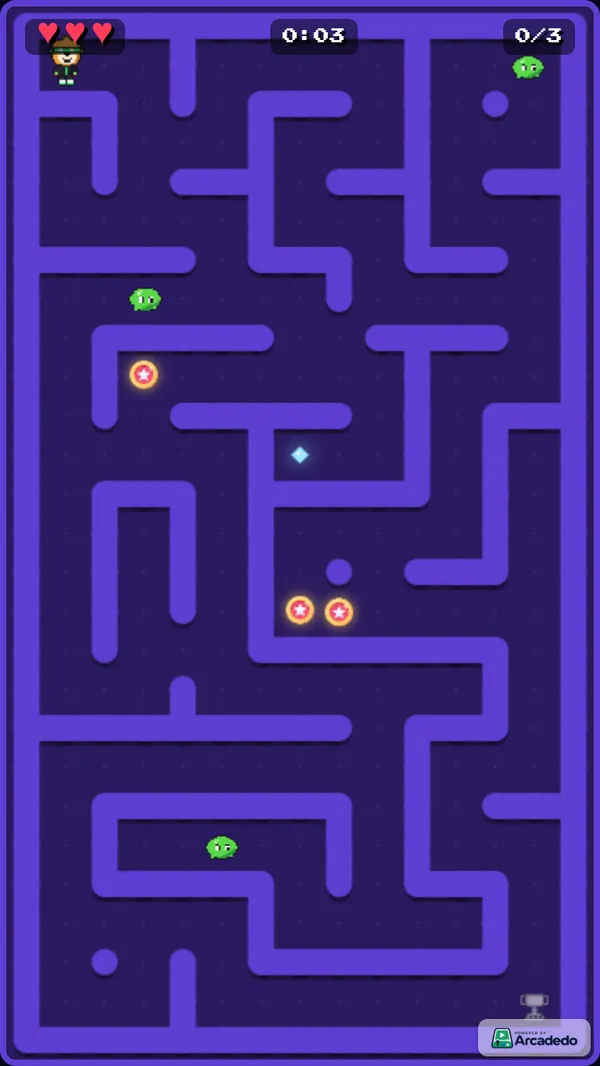
Send a game with the welcome email. In Mini Maze, players collect pickups in a maze and each one reveals a short fact before the exit unlocks. There are no questions to fail, which suits someone who has not started yet. Use it for the practical details people worry about the night before.
Sample facts to copy:
- "Reception opens at 8:30. Ask for Priya, your buddy, who will meet you there."
- "Bring photo ID: you need it to collect your building pass."
- "Lunch on day one is on us, with your team at 12:30."
- "Your laptop is set up. Your password arrives by text at 9:00."
- "Dress code is casual. Nobody wears a tie unless a client visits."
2. Cohort icebreaker wheel (day 1)
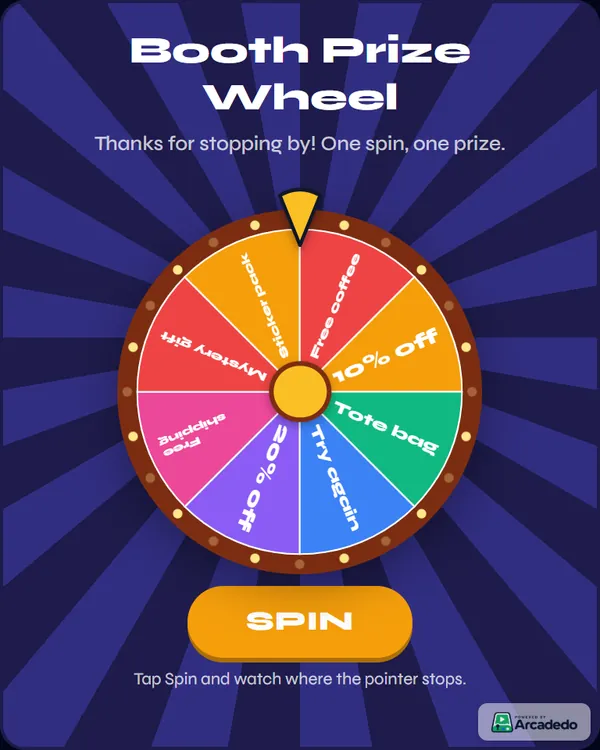
Use Spin the Wheel in the welcome session as a name or topic picker. It is not assessed: its job is to get people talking. Turn on remove-the-winner so everyone gets a turn.
Sample wheel options: "Your first job ever", "Best thing about your last team", "A skill you want to learn here", "Your go-to lunch", "Something people get wrong about your role". For more uses of the same wheel, see spin the wheel for trade shows and events.
3. "How we work here" myth or fact (days 1–3)
New hires learn the unwritten rules by getting them wrong. In Real or Fake, players swipe each statement right for real or left for fake, and a wrong call shows why. Write the cards from questions new starters really ask.
Sample cards:
- "You need your manager's approval to work from home on a Friday." (Fake: just put it in the team calendar.)
- "Meetings start five minutes past the hour so people can get between rooms." (Real.)
- "You can book any meeting room without asking." (Real, except the boardroom.)
- "New starters cannot take leave in their first three months." (Fake: book it in the HR system like anyone else.)
4. Phishing drill for new joiners (week 1)
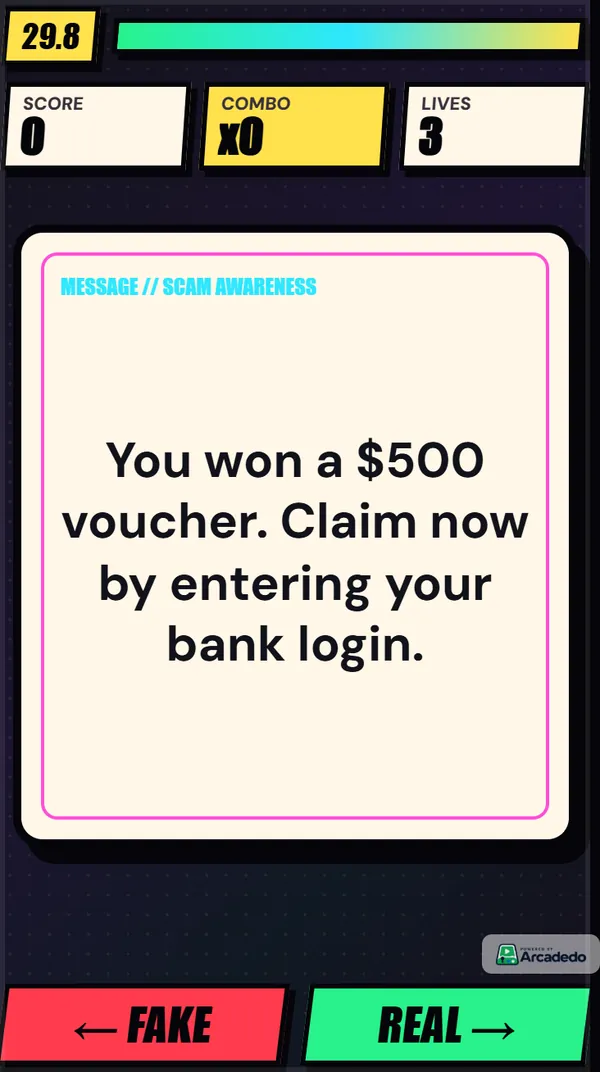
New hires are an easy target for scammers, because they do not yet know what normal looks like. Build a second Real or Fake deck from real messages your security team has seen, and put the tell in the explanation. Our guide to cyber security awareness games covers how to build a full deck.
Sample cards: "IT here: your new account expires today, confirm your password at this link" (fake: IT never asks for your password). "The CEO texts asking you to buy gift cards for a client, urgently" (fake: verify by phone).
5. Policy quiz race (week 1)
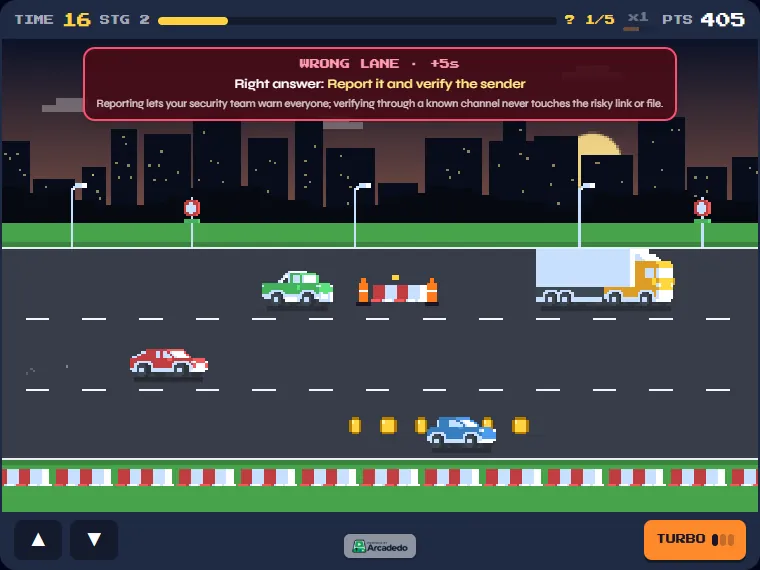
For the few rules people must know on recall, use a quiz game. In Checkpoint Rush, players drive a pixel highway and, every few checkpoints, the lanes become answers to a question. A wrong lane shows the right answer and the explanation. Keep answers to a few words so they fit on a lane.
Sample question: "You lose your work phone on the train. What do you do first?" Right: "Report it to IT straight away". Wrong: "Wait a day to see if it turns up" and "Tell your manager next week". Explanation: "IT can lock and wipe it, but only if they know quickly." Our guide on how to write multiple-choice questions covers the rules for good options.
6. Jargon word search (week 1)
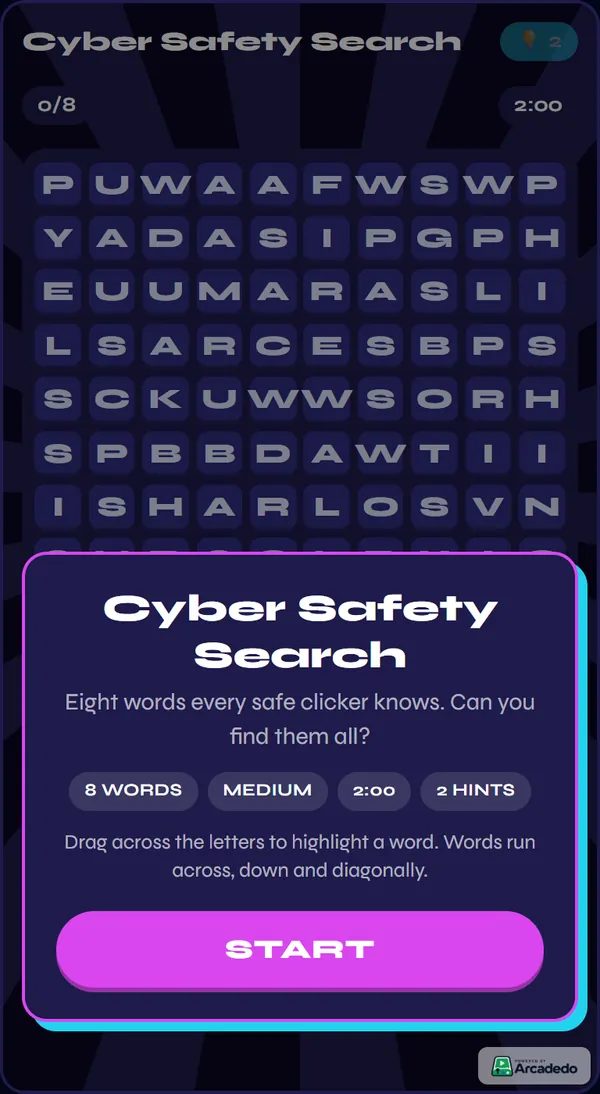
Every team has its own vocabulary, and new hires rarely ask what it means. A Word Search with your most-used terms makes them familiar without a test. Word Search takes 3 to 12 words of 3 to 10 letters each, and the analytics show which words players miss most.
Sample word list: STANDUP, SPRINT, OKR, SLA, HELPDESK, INTRANET, PAYROLL, BUDDY. Follow it with a one-page glossary that explains each term.
7. Role and product drill (week 2)
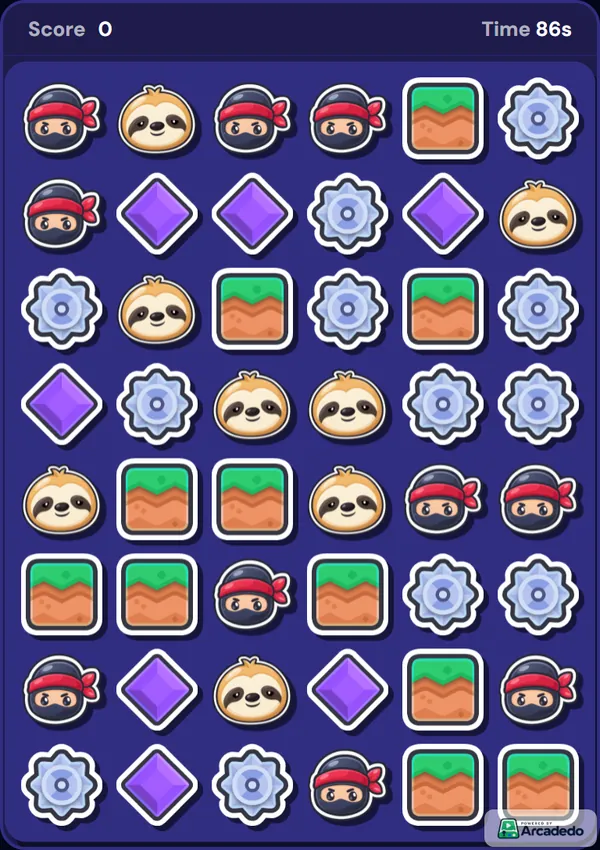
Customer-facing hires need product facts on recall, fast. Star Match puts questions with four answers and an explanation on the tiles of a match-3 board, so drilling feels like play. Build one game per product line. Our guide to product knowledge training games covers it in detail.
8. Day-30 recap challenge (day 30)
End the first month with one game that pulls the most important questions from everything covered, and set a pass score. Asking again weeks later is the point: a study of more than 10,000 employees found that the gaps between practice sessions mattered more the longer people had to remember (Kim et al., 2019). Eight to twelve questions is enough; see how many questions a training quiz should have.
How do you plan a gamified induction for the first 30 days?
Plan one short game at each point where a new hire meets new information, not five games on day one. Start with low-stakes games before the first day, move to policy and security in week one, role knowledge in week two, and finish with a recap at day 30. Bauer notes new hires get about 90 days to prove themselves, so front-load what they need.
| When | Game | Goal | Time |
|---|---|---|---|
| Welcome email | First-day facts maze | Remove first-day worries | 2 min |
| Day 1, welcome session | Icebreaker wheel | Meet the cohort | 10 min, as a group |
| Days 1–3 | Myth or fact deck | Learn the unwritten rules | 3 min |
| Week 1 | Phishing drill + policy quiz race | Must-know rules | 3 min each |
| Week 1 | Jargon word search | Learn the vocabulary | 2 min |
| Week 2 | Role and product drill | Do the job | 3–5 min |
| Day 30 | Recap challenge with a pass score | Check what stuck | 5 min |
Put each game where onboarding already lives: in the welcome email, the onboarding portal, a Teams or Slack message, or as a challenge in a Gametize campaign (Embed in Gametize). For more template ideas, see our seven ways to use arcade games in employee onboarding.
What should you avoid when gamifying onboarding?
Avoid anything that makes a new hire feel watched, ranked or tested on trivia. The aim is confidence, not competition. In practice that means no public league tables of new starters, no points for filling in forms, no long games and no questions about things nobody needs to know.
- Public leaderboards for new starters. Coming last in front of your new team in week one is not motivating. Keep scores private, or compare against a pass score.
- Points for paperwork. Rewarding people for completing forms adds noise, not learning. Gamify the knowledge, not the admin.
- Trivia. "What year was the company founded?" teaches nothing they will use. Ask about decisions instead.
- Everything on day one. One game a day, spread over a month, beats a game marathon in the induction session.
- Games instead of people. A game can say who to ask; it cannot replace the buddy, the manager or the welcome lunch.
How do you know if gamified onboarding is working?
Look at what new hires get wrong, not just whether they played. The useful signals are completion, the questions or words missed most, day-30 scores against the pass mark, and what new starters say at their 30-day check-in. If almost everyone misses a question, fix the question or the training first.
Gamification has a modest effect on learning on average: a meta-analysis by Sailer and Homner (2020) found small but significant positive effects, mostly in education studies. Treat the first cohort as a pilot, read the results and change one thing at a time.
How do you build an onboarding game in Arcadedo?
Pick a template, add your facts or questions, brand it, then publish a link. Building and hosting games in Arcadedo is free, and a first game takes about ten minutes. Credits are only used for optional AI help and for removing the small Arcadedo badge.
- Pick a template. Open Templates, click Preview & Play to try one, then Use This Template.
- Add your content. Type your facts, cards or questions in the Content step, or click Generate with AI to draft them from a topic or an uploaded PDF, Word or text file (5 credits per batch). Edit every draft. The Add questions or facts guide shows how.
- Brand it. Add your logo and colours so the game feels like part of your company.
- Publish and share. One click gives a link that works on phones and desktops. Paste it into the welcome email, the portal or chat (Share your game link).
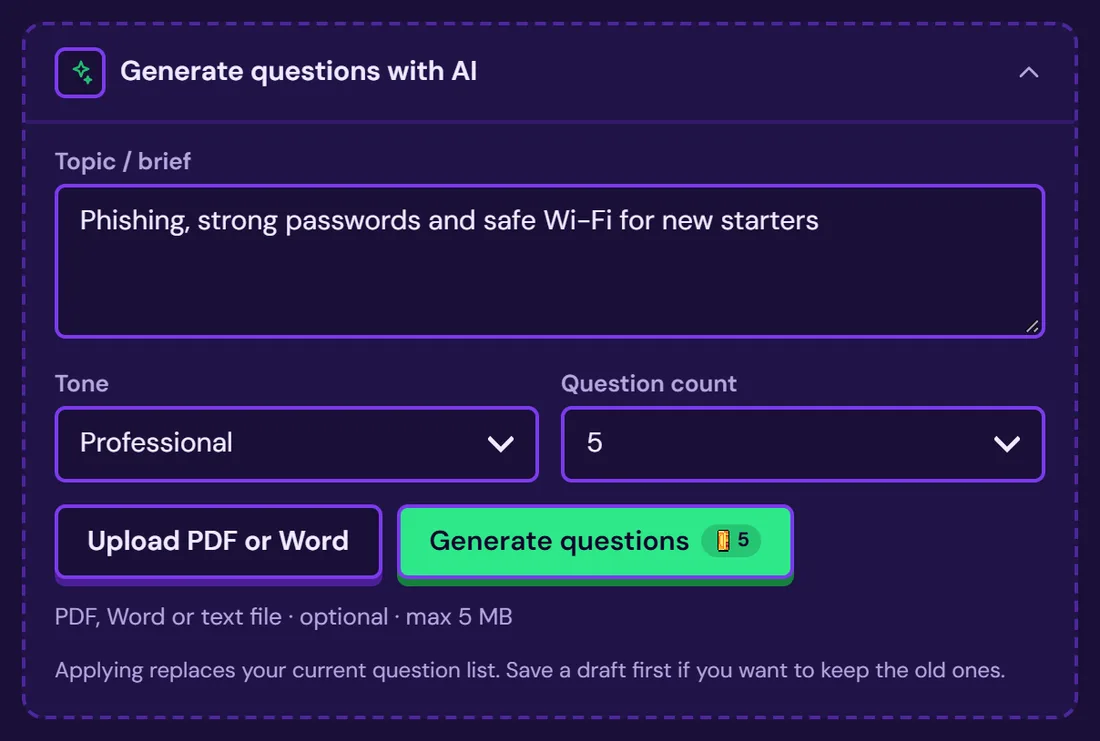
A published game keeps its link, so every cohort gets it and you can update it when a policy changes. To start with example 1, open Mini Maze and click Use This Template.
Frequently asked questions
What is an example of gamification in onboarding?
A two-minute Real or Fake game where new hires swipe statements about how the company works, such as "You need approval to work from home on Fridays", as real or fake, and see the right answer after each one. It teaches the unwritten rules before people get them wrong.
How do you gamify employee onboarding?
Pick the things new hires must know, turn each into one short game, and spread the games across the first 30 days: practical facts before day one, rules and security in week one, role knowledge in week two and a recap at day 30. Keep scores private and read the results.
What are the 4 C's of onboarding?
Compliance, clarification, culture and connection, from Talya Bauer's 2010 SHRM Foundation guide. Compliance covers rules and policies, clarification covers the job and its expectations, culture covers norms, and connection covers relationships. Most organisations cover compliance; far fewer plan for all four.